Many professional firms are still running Windows 10 because, on the surface, everything appears stable. Systems start up, staff can work, and security updates continue to arrive thanks to Microsoft’s Extended Security Updates (ESU) programme. This has created a false sense of comfort, particularly in regulated sectors where risk is often managed through documented controls and assurances.
The issue is not whether Windows 10 works today. The issue is what happens when the safety net is removed.
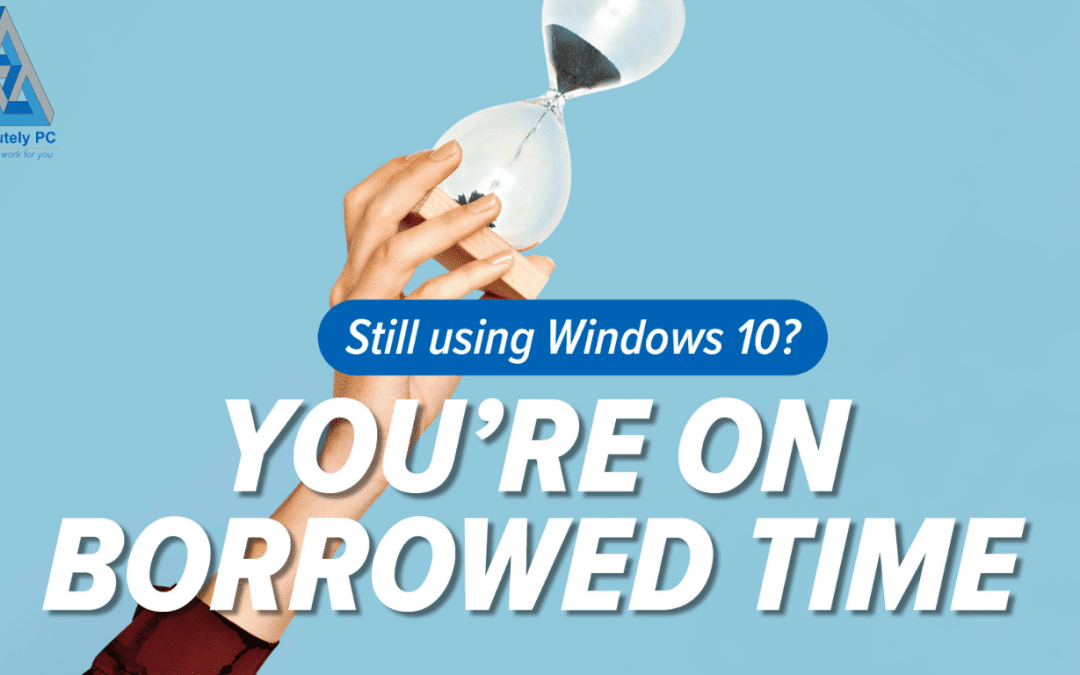
Microsoft ended standard support for Windows 10 in October 2025. ESU was deliberately positioned as a short‑term extension, not a long‑term operating model. When ESU ends in October 2026, Windows 10 will stop receiving security updates entirely. At that point, every newly discovered vulnerability remains permanently open.
For regulated firms, this moves Windows 10 from “supported but ageing” to “unsupported and indefensible”.
Why ESU Creates Hidden Risk for Regulated Firms
Extended Security Updates only address one narrow area: critical security patches. They do not include feature updates, architectural improvements, or ongoing platform hardening. Over time, this increases what many advisers refer to as technical debt, where outdated systems quietly increase operational risk, audit complexity, and long‑term cost. Windows 10 under ESU is a textbook example of this problem.
From a governance perspective, regulators and insurers increasingly expect firms to demonstrate that systems are vendor‑supported. Once ESU ends, it becomes difficult to justify continued use of Windows 10 as a “reasonable technical control”.
Compliance, Insurance, and the Question of Reasonableness
Cyber insurance policies, professional indemnity insurers, and regulatory frameworks are steadily tightening their expectations. Unsupported operating systems are frequently cited as exclusions or aggravating factors following incidents.
If a breach occurs after October 2026 on an unsupported platform, firms may be asked uncomfortable questions:
– Why was unsupported software still in use?
– What risk assessment justified the decision?
– What mitigation controls were in place?
These are not theoretical concerns. They mirror the wider threat landscape of preparing for cyber threats, where modern attacks increasingly exploit known but unpatched weaknesses.
The Operational Cost of Leaving It Late
Many firms assume that upgrading is simply a case of approving a prompt when Windows 11 appears. In practice, this is rarely the case.
Some existing devices will not meet Windows 11 hardware requirements. Others may technically qualify but perform poorly without configuration changes. Discovering this late forces rushed decisions, emergency purchases, and unplanned disruption.
For professional firms, disruption rarely shows up as visible downtime alone. It manifests as:
– Missed deadlines
– Reduced staff productivity
– Increased pressure on support teams
– Frustration during already busy periods
This is why reactive upgrades are always more expensive than planned ones.
Windows 11 as a Governance Improvement, Not Just an Upgrade
Windows 11 is not simply a visual refresh. It introduces meaningful improvements in security architecture, device management, and identity protection. These improvements make it easier to demonstrate compliance with modern security expectations.
Features such as hardware‑based security, stronger identity integration, and improved endpoint controls align more closely with what auditors and insurers expect to see today.
For regulated firms, upgrading is not about chasing new features. It is about maintaining a defensible security and compliance posture.
Planning a Controlled Exit from Windows 10
If your firm is currently relying on ESU, it should already be part of an exit plan. That plan should include:
– A review of device compatibility
– Identification of systems requiring replacement
– A phased upgrade schedule
– Communication and change management for staff
– Updates to risk registers and compliance documentation
Handled properly, this process is controlled, predictable, and far less disruptive than many firms fear.
Avoiding the October 2026 Cliff Edge
Extended support does not fade away gradually. It ends abruptly. When that happens, Windows 10 becomes a permanent liability.
Firms that plan early retain choice. Firms that delay are forced to react.
If you are unsure whether your current estate can upgrade, or whether you are carrying more risk than you realise, now is the right time to review your position carefully.
What next?
One of my passions is helping businesses to succeed and if I can help you save some money as well – even better. You can fill out our contact form, phone us or click on the appointment button below and let’s start a conversation to see if I can help your business. Our guarantee:
- There are no hidden charges – this is a 100% free 15 minute consultation with no hidden charges.
- We will never spam you or sell on your contact details.
- We will treat your information with absolute confidentiality.
Other Posts for you to Enjoy