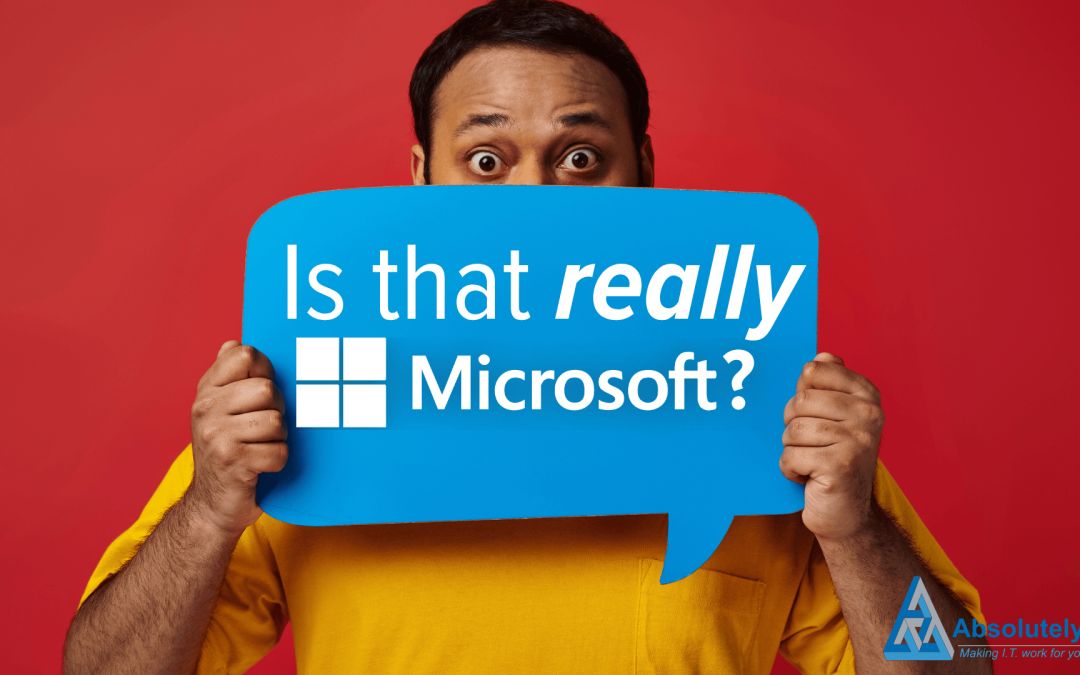
Beware: Is that Microsoft… or a phishing attempt
When you get an email from Microsoft, you probably don’t think twice about opening it. Right? After all, it’s Microsoft. One of the biggest, most trusted tech companies in the world.
But what if that email isn’t from Microsoft at all?
Cyber criminals love using trusted brands to trick people. And right now, Microsoft is the most impersonated company in the world when it comes to phishing scams.
In fact, new research shows that 36% of brand-related phishing attacks in early 2025 were pretending to be Microsoft. That’s a huge number!
Google and Apple were next on the list. Together, the three tech giants made up more than half of all phishing scams. So, what’s going on? And more importantly, how can you keep your business safe?
What is Phishing?
Phishing is when a criminal sends you a fake email, text, or message that looks like it’s from a real company. One you know and trust. The goal is to get you to click on a link, open a malicious attachment, or hand over sensitive information like passwords, credit card numbers, or even your full identity.
Once that happens, the consequences can be nasty: Stolen money, hacked systems, confidential data leaks. And a world of pain for your business.
The worst part: Phishing emails are getting smarter. There’s a lot less bad spelling and suspicious-looking links.
Scammers copy real company logos. Set up fake websites that look exactly like the real thing. They even spoof email addresses so it looks like the message really is coming from Microsoft, Google, or Apple.
In fact, researchers recently found a rise in phishing attacks pretending to be Mastercard. Fake websites are tricking people into entering their card details.
It’s a worrying trend, and it shows that cyber criminals are constantly finding new ways to catch people out.
What can you do
So, how can you tell if that email from Microsoft is the real deal, or a dangerous fake? It’s all about slowing down and staying sharp.
Real emails from companies like Microsoft will never pressure you into urgent actions like “Click this link immediately or your account will be locked.” That kind of language is a big red flag.
Always check the sender’s email address carefully. At first glance it might look right, but a closer look could reveal slight changes. Like “micros0ft.com” instead of “microsoft.com”. Cyber criminals rely on you not noticing these small details.
And whatever you do, don’t click on links straight from an email you’re not sure about. If in doubt, go to your browser and type the official website address manually. It’s always safer that way.
Being cautious might feel like a hassle sometimes. But it’s nothing compared to the hassle of cleaning up after a cyber attack.
Phishing scams are only going to get more convincing. That’s why it’s vital to:
- Stay alert
- Invest in good cyber security tools
- Use smart protections like multi-factor authentication (where you need two forms of ID to log in, not just a password)
Remember: The more trusted the brand, the bigger the target it becomes for scammers. And that email that looks like it’s from Microsoft? It might just be a wolf in sheep’s clothing.
We can help you and your team stay better protected – and more vigilant – against phishing scams like these. Get in touch.
What next?
One of my passions is helping businesses to succeed and if I can help you save some money as well – even better. You can fill out our contact form, phone us or click on the appointment button below and let’s start a conversation to see if I can help your business. Our guarantee:
- There are no hidden charges – this is a 100% free 15 minute consultation with no hidden charges.
- We will never spam you or sell on your contact details.
- We will treat your information with absolute confidentiality.
Other Posts for you to Enjoy