
Microsoft Copilot remembers about you and your business
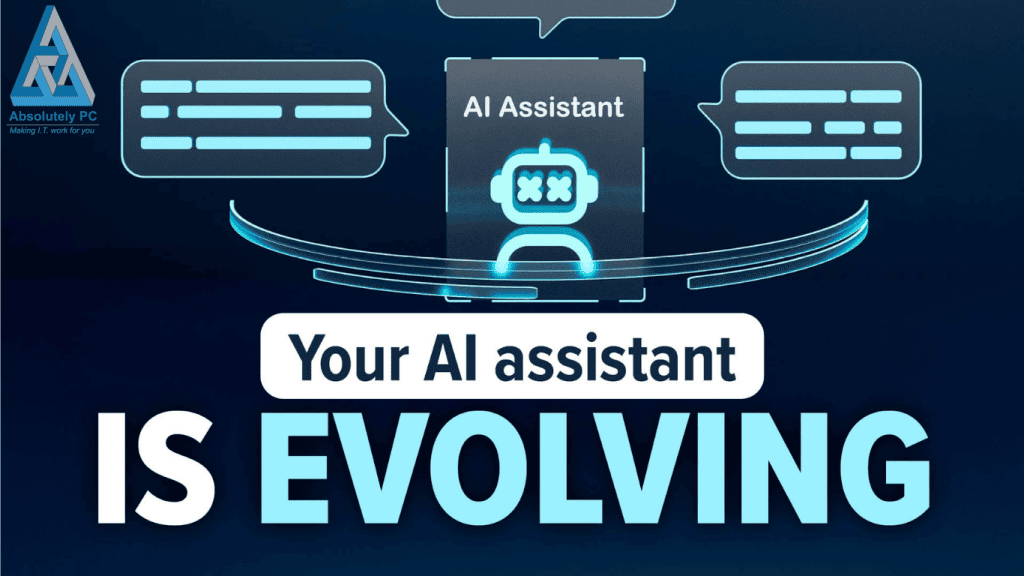
Imagine taking a new member of staff and then having to explain their job to them every day. Up until recently, that was how Copilot worked. It didn’t really remember anything about you, and every time you started a new chat, it was like meeting for the first time.
This meant using Copilot was really useful for quick tasks such as drafting emails or answering questions, but it was limited if you wanted it to be of particular use within your business.
How is this changing?
Microsoft Copilot now has memory management, which means you can control what it remembers about you. All you have to do is ask it to remember a particular conversation, and it will store a summary of this for use at a later stage.
There is a memory management page where you can see exactly what is stored and either edit or delete those details whenever you like.
Essentially, this means that conversations you have today will add context to future conversations, meaning that productivity will be enhanced.
How can I use this?
By teaching Copilot more about your business and business preferences, you will be able to save time and frustration. Why not try teaching it the types of reports that you want, the names of clients and staff, the formats you’d prefer, logos, etc.
You could take this one stage further by telling it about packages that you have, general pricing guides, processes etc. When you next ask it to assist you in writing a proposal, it will be able to utilise this information without further prompts.
Connectors to OneDrive
Copilot can link to OneDrive and the connector for Google Drive will be added soon. This adds a new functionality for your business, allowing you to ask Copilot to fetch files, summarise document contents and even make interpretations of file contents. Add this functionality to the context it has stored about your preferences and it should save hours by finding information relevant to you.
I expect more connectors to be added over time giving Copilot the functionality to work with you across your entire business, wherever and whatever you use.
The Future
At the moment it is not clear which of these functionalities will be paid for options and which will be features of the free option. However, they are being rolled out over Windows 11, web and mobile editions and promise to make Copilot a more personal assistant that learns as you interract more. Importantly you remain in control of what it remembers.
Need Help?
This area of IT is fast moving and new functionality is being added rapidly. Working smarter, keeping business and personal data safe whilst ensure real return on investment is at the core of what we do at Absolutely PC. Reach out and see if we can help you future proof your business.
What next?
One of my passions is helping businesses to succeed and if I can help you save some money as well – even better. You can fill out our contact form, phone us or click on the appointment button below and let’s start a conversation to see if I can help your business. Our guarantee:
- There are no hidden charges – this is a 100% free 15 minute consultation with no hidden charges.
- We will never spam you or sell on your contact details.
- We will treat your information with absolute confidentiality.
Other Posts for you to Enjoy